




Contact Planner

You're probably thinking that since I work and breathe automation of office work that every facet of my business must already be automated, right? It's a work in progress. But let me show you my vision and what I've built so far.
Here's what it looks like up front.
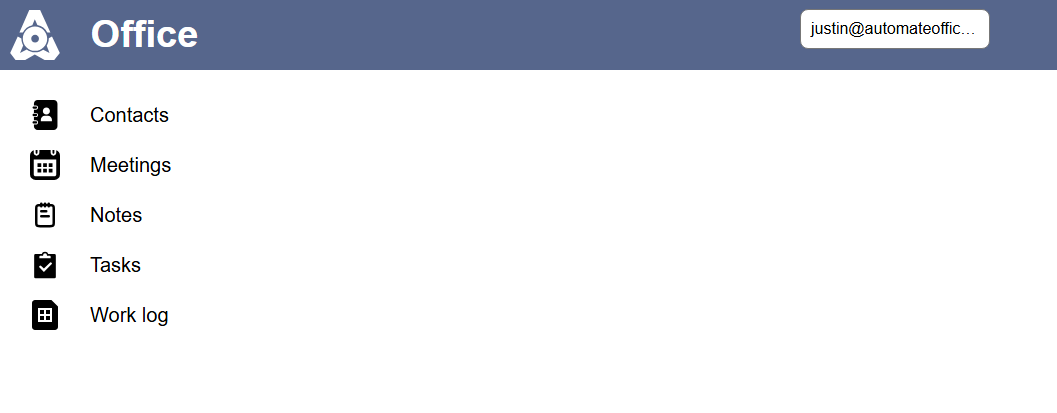
There will be some interconnected tools. Contacts, Meetings, Notes, Tasks, and my Work log to track hours. For example, when I have a meeting, I will tag the contacts I met with, keep notes, track tasks created, and schedule the next contact point.
Today I'll go over the Contacts portion.
My main goal is to help me be more intentional about communicating with all my contacts. I now have over 3,000 connections on LinkedIn. Over the last year I've connected with all different kinds of people and we've found so many different ways we can collaborate. The difficult part is keeping in touch afterward. I don't want to be that person who has many great first meetings and then things just drift apart. I want to keep up the momentum where needed and make occasional contact with others where appropriate.
Here's what I built:
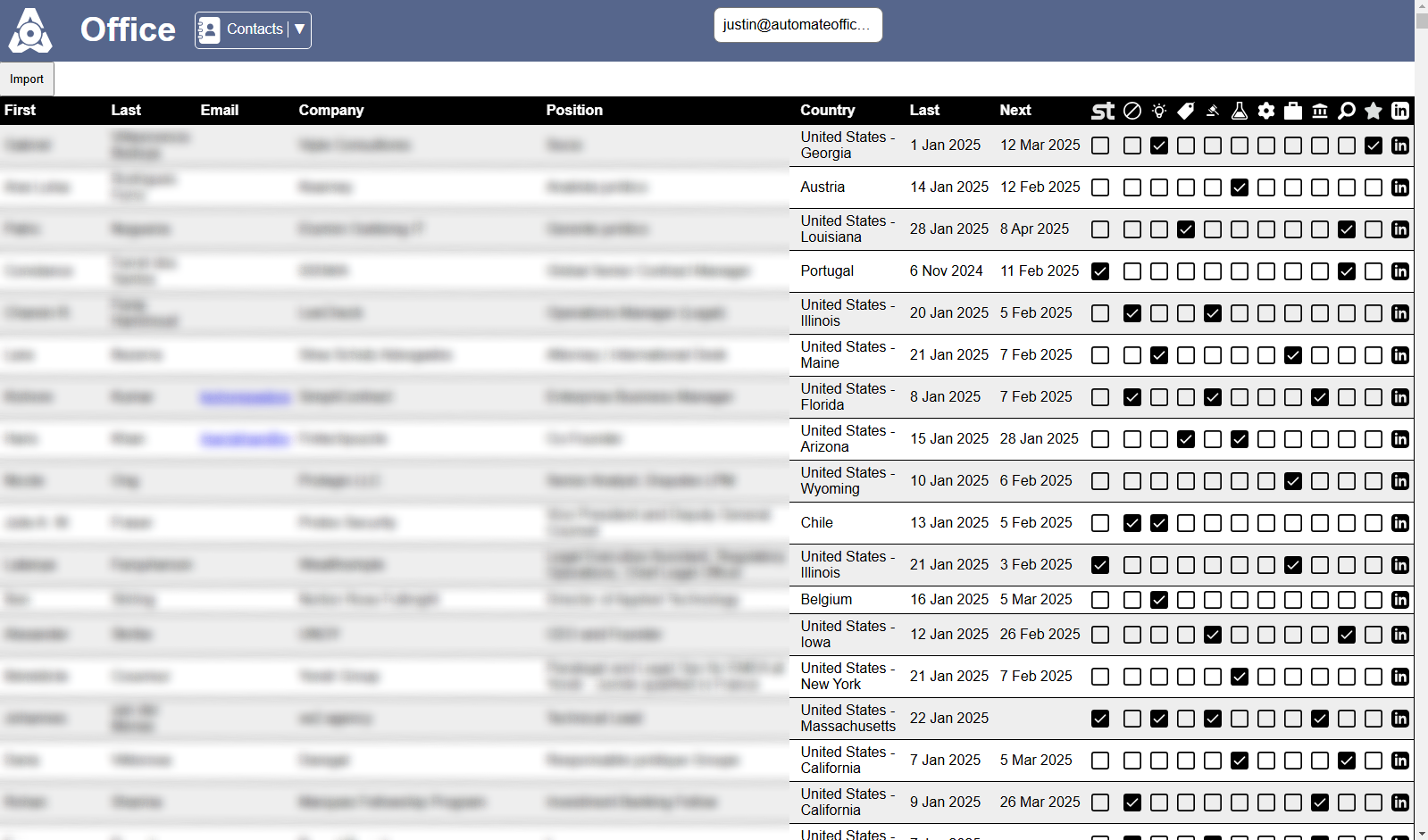
It looks like a spreadsheet, but it's a web page powered by a database. A row for each person. Columns for their details. Checkboxes where I put people into different categories. And date columns for last contact and next contact. I went through all 3,000+ of my LinkedIn connections and identified the ones that I would really like to have meaningful contact in the future and I set a date. Some of them are for two weeks from now. Others are in a month, three months, some are honestly next January just to say Happy new year and check in. But it's intentional.
How did I extract all 3,000+ of my LinkedIn connections? LinkedIn has a tool for this in your privacy settings. Click on your profile photo at the top and find "Settings and Privacy". Then "Data Privacy". Under "How LinkedIn uses your data" click on "Get a copy of your data". Check "Want something in particular" and check the "Connections box". Request archive. You'll receive an email once it's ready to download. It's a CSV file.
The column headers are "First Name", "Last Name", "URL", "Email Address", "Company", "Position", and "Connected On".
You might have noticed an "Import" button at the top of my screenshot. I click that and it prompts me to upload this CSV file. It ingests all the data and looks to see if the person already exists in my database. If they don't exist, it creates a new row in the database for them. If they already exist we check to see if there are changes and make the updates.
I plan to add filters so I can slice my spreadsheet in all kinds of ways. So I can filter to see who I should reach out to today because it's been a while. I really want this to be meaningful contact. If I really have nothing to say, it might be just a quick "thinking of you" or maybe I'll just plan for a later date to reach out to them. But I want it to be more intentional. I don't want relationships just to slips through the cracks just because my network is growing. So if I've already reached out to you recently, please know that I value our relationship and I want to keep in contact. For everyone else where it's been a month since we connected, I value you too. I just figured we talked recently. No need to be reaching out so soon already!
I also plan to create automations that will email me the list of the day of people to reach out to so I don't have to manually go and filter this list. That should also be automated.
So what about you? How do you manage an ever-growing network of contacts and meaningfully make contact with them?
I could see this easily being an Excel spreadsheet. But where would the fun be in that? How would we automatically ingest new data from LinkedIn and update the old data? How would we set up automations to send us alerts?
Happy automating, everyone!