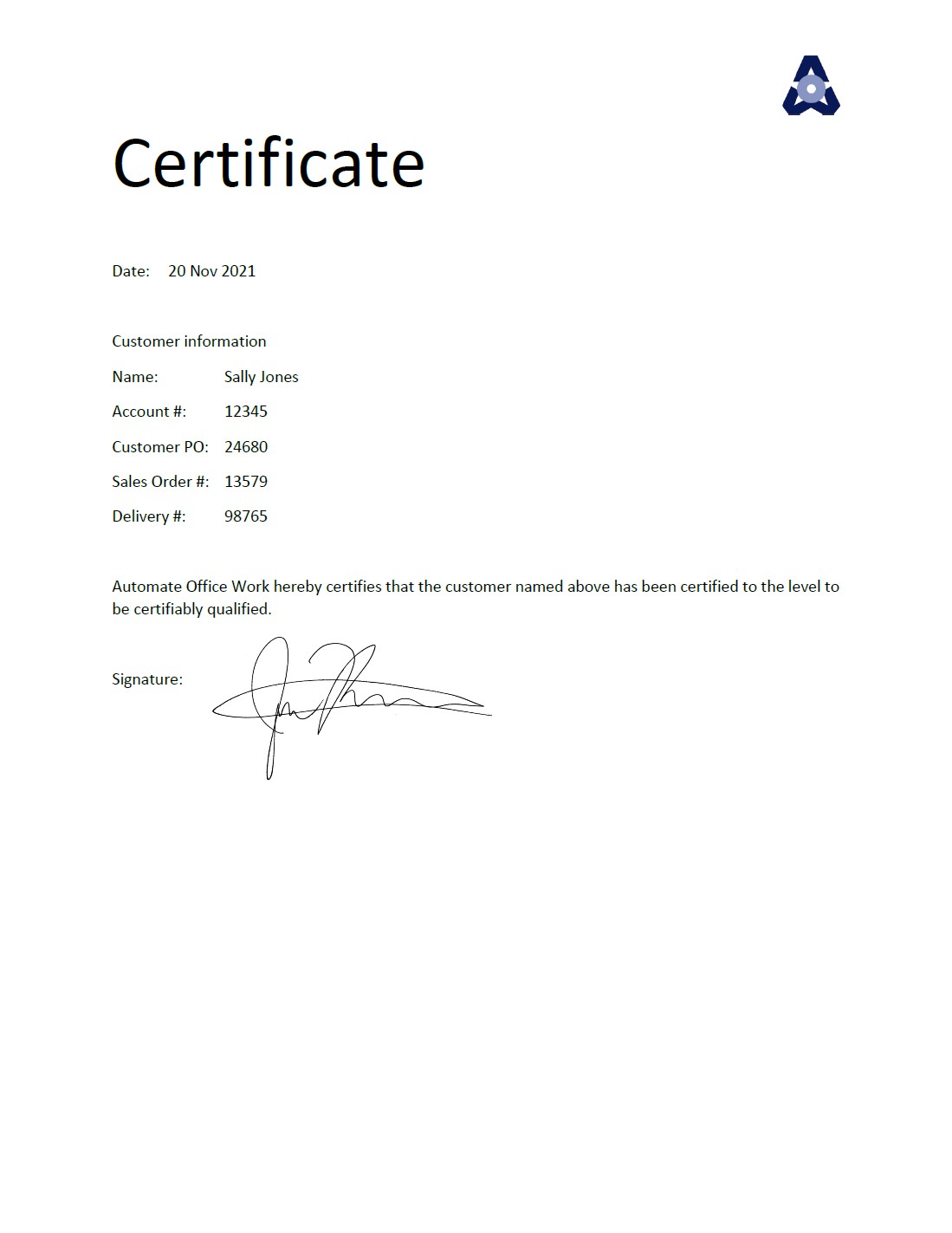




Inserting a signature image into a PDF
Today's scenario is pretty common.
Part of my job is to sign PDF certificates. These certificates are generated by another department, so I can't just insert my signature into the template they use to create the certificates. I get about 50 emails per day, each with one certificate in the email. I have to download each PDF to my local computer and then manually insert an image of my signature. This takes me about an hour each day. How can I automate this?
How would you automate this? Chances are, that no matter the tools you use, the steps will generally follow in the same way as below.
Legal discussion of signatures
First, we need a discussion about the legal effects of signing documents. You may need to discuss with your company what it means to "sign" a document. If manually opening a PDF and inserting an image of your signature constitutes "signing" the PDF for your company, then does automating this still constitute "signing" the document? In many countries, no.
You see, the modern idea of a signature has changed. Nowadays, we "sign" a contract even when we click the "I agree" button when we purchase something online. We no longer have to put pen to paper to sign things. You see, your "signature" is no longer a squiggly form of your name. You can even sign up for new terms with your bank when you listen to the new terms on the phone and they record you saying "I agree". A signature in modern times, in many countries, is simply "evidence" that you agreed to something.
So we still need to capture evidence that you agree to the certificates. So your user will need to click an "Approve" button at some point in the work flow. But that doens't stop us from automating the laborious part of inserting the image into each PDF. So we can present the automatically signed PDF's to the user for them to click an "Approve" button. Ten seconds of work instead of an hour each day.
Process
Every process starts with a trigger. Our trigger is receiving an email. We will need an automation tool to listen to the emails our user receives. When an email comes from the right kind of sender and perhaps if the subject line contains the right kinds of words, and definitely only if the email has an attachment, we'll go forward to the next step.
Next we see if the attachment is a PDF and perhaps if it contains the right words in the file name.
Next we could use a programming language that can find the word "Signature" in our PDF and give us the X and Y coordinates. We would move a little bit to the right and use this same programming language to insert the signature image.
Alternatively, if you don't have a programming language that can search and modify PDF's, perhaps you can only extract the text out of the PDF. In this case, if your PDF's always have the same structure, only the details vary, you could re-build your PDF. Perhaps you could build the page in HTML, insert the signature image, and then convert your HTML page to PDF.
In the end, you should save all your unsigned and signed PDF's in a database. Then you send an email each day to your user that they have a batch of PDF's to approve. The email contains a link to a webpage. On the webpage they see a list of all the PDF's that came in for the day. To the right of each PDF is a button to "Approve". Clicking that button captures the date and time they clicked it and it saves it to a permanent place to store the signed PDF and/or emails it on to the next person who needs to process the signed certificates.
I would recommend allowing the user to click on the name of the certificate and they can see both the unsigned and signed versions so they can do quality control before approving if they wish. I would also recommend having a button to "Select all" and another button to "Approve all selected". Thus our user can approve a batch of 50 certificates with a single click.
How would you solve this scenario using the tools that you have at your disposal? Feel free to sign up for an account and discuss in the comments below. Then see my solution with SharePoint and Power Automate at Inserting a signature image into a PDF by rebuilding the PDF in Power Automate.